
Financial decisions in an auto repair shop are only as good as the numbers behind them. Yet even in 2025, many shop owners still use generic accounting tools. These don’t even match how their work actually functions.
According to the Ratchet + Wrench survey, 85% of shops use some form of accounting software. These systems fail to reflect the movement of repairs, parts, and technician time.
The results? You deal with mismatched totals and uncertain profit margins. Hours are wasted fixing problems that should never have happened. You deserve a system that understands the way a shop earns, spends, and records money.
Accounting software for auto repair shop captures job costs accurately. It keeps your records organized. There’s a clear view of profitability without complicated workarounds.
This guide explains what to look for when choosing accounting software for your shop. Also, why specialized tools make a difference. It also shows how the right setup supports confident, data-driven financial decisions.
The Challenges of Using Generic Accounting Software for Auto Repair Shop
Choosing generic automotive accounting systems may seem cost-effective. Yet, they rarely match the operational rhythm of an auto repair shop. Parts, labor, estimates, repairs, and inventory move quickly throughout the day. Using a system that isn’t built for this pace can create blind spots in your financial and operational data.
Before evaluating features, it helps to understand the limitations of general-purpose accounting tools. These platforms often struggle to handle the financial complexity of a repair shop. Here are the core challenges most shops face when relying on non-specialized tools.
Falling short on parts and labor
Generic accounting software for auto shop is built for basic expense-income tracking. In a repair shop, costs extend beyond standard bills and utilities. They also include parts, labor, and the flow of each job from start to finish. Failing to connect job costs to your accounting system puts profitability at risk. You might never see the full financial picture of each job.
Manual data entry, errors, and double work
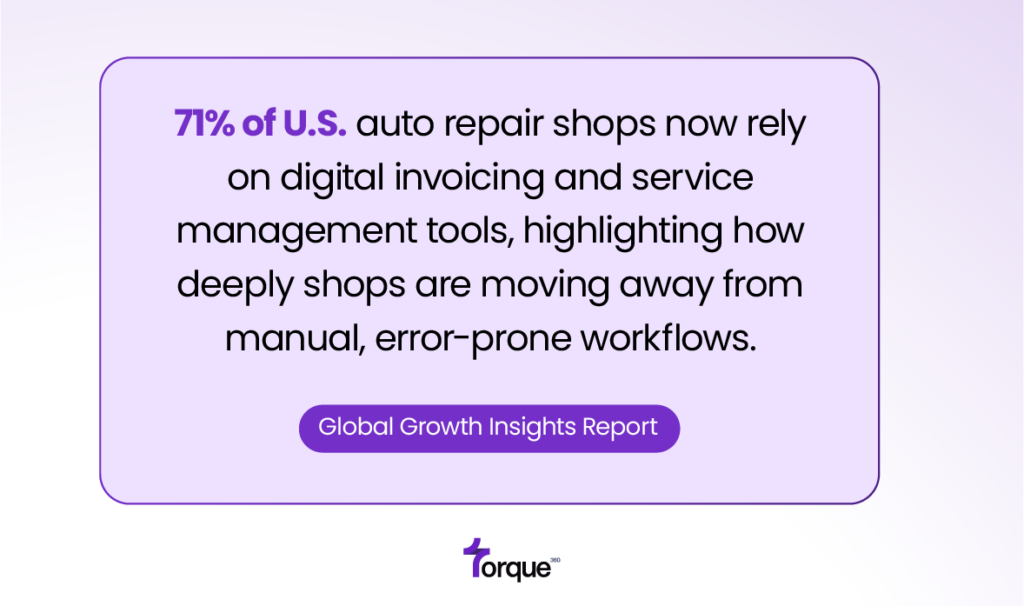
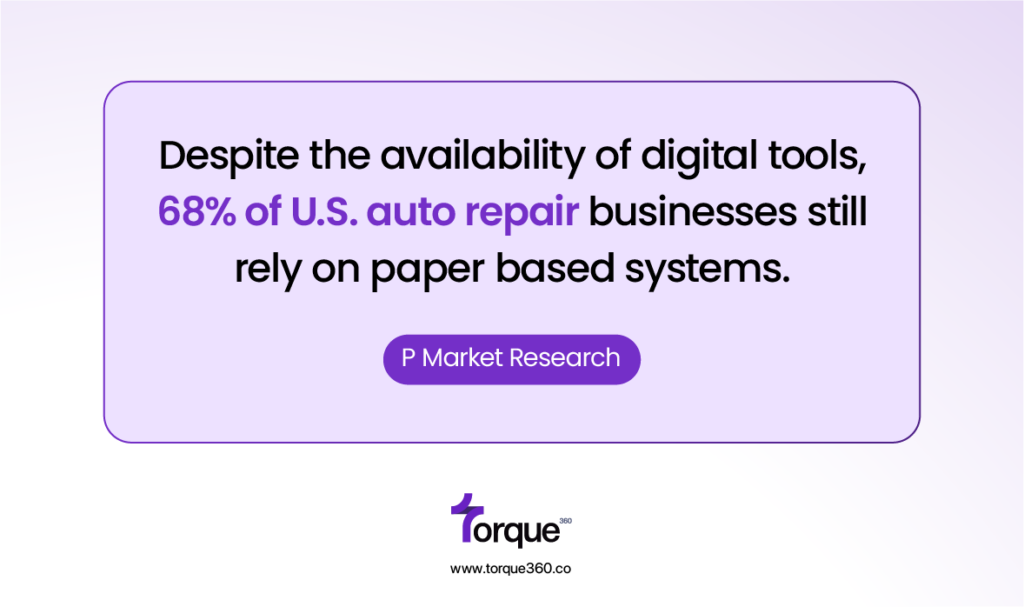
Manually entering invoices, copying parts costs, or transferring data between systems is risky. Each step creates opportunities for mistakes. These errors can add up, leading to inaccurate financial records and extra work. This process raises the risk of misclassifying costs and miscounting inventory.
Disconnected systems hiding true profitability
Your financial reports may look clean, but they could be hiding problems. If you can’t track parts, labor, and costs in detail, knowing a job’s profitability is nearly impossible. Hidden inefficiencies go unnoticed, making it difficult to identify which repairs generate profit. Meanwhile, profit leaks through over-ordered parts, unbilled technician time, or missed discount approvals.
6 Key Features to Look for in Automotive Repair Accounting Software
Certain features are essential when choosing accounting software for auto shop. Understanding these features helps you see how they impact accuracy, efficiency, and profitability.
1. Integration with your accounting system
A strong tool must sync directly with your accounting platform (QuickBooks, for example). Repair orders, invoices, payments, labor, and parts transfer cleanly. No retyping, no risk of mismatch.
2. Real-time parts inventory tracking
Real-time parts tracking lets you know exactly what inventory you have on hand. It also shows what has been used and what needs to be reordered. That visibility helps prevent over-stocking and reduces shrinkage.
3. Technician time and labor management
Labor is often a top cost, so you need a system that tracks technician hours accurately. Time tracking tied to jobs shows labor costs per repair. It helps pay technicians fairly and report accurately.
4. Auto shop software for accounting and billing
Your software should calculate taxes, parts costs, labor, and markup. Then it should generate a clean, accurate invoice. Automating invoices saves time and reduces errors. It also ensures customers are billed correctly.
5. Reporting designed for auto repair businesses
Look for reports that go beyond simple profit and loss. The right software will let you see profitability by job, by technician, by part, and by service type. This data helps you make decisions about pricing, inventory, and staffing.
6. Security and data integrity
With financial, customer, and parts data in one system, security is non-negotiable. Features like role-based permissions, backups, and secure cloud storage protect your business. They guard against data loss and unauthorized access.
Accounting Software For Automotive Industry Supporting Workflows
Here’s how Torque360 accounting software for mechanic shop is designed for you. It meets these financial needs and helps run cleaner, more profitable operations.
Syncing repair orders, parts & labor
Torque360 accounting software for auto shop includes a QuickBooks Online integration. Repair orders, invoices, parts, and labor feed straight into your accounting books. That means you don’t have to re-enter data, and your financials are always up to date.
Automatically updating inventory
When technicians complete a job, Torque360 updates inventory in real time. This provides a real-time view of the parts you have in stock. This visibility helps prevent over-ordering and running out of essential components.
Technician timesheets and labor cost tracking
Techs can clock in and out, and their hours are tied directly to the jobs they work on. This improves the accuracy of payroll by tracking actual hours worked. It lets you analyze labor costs for each repair instead of relying on fixed estimates.
Generating financial & operational reports
Torque360’s built-in reporting delivers detailed insights into your shop’s performance. You can analyze profit by job, parts margin, labor efficiency, and technician productivity. With that data, you can make smarter pricing decisions and forecast inventory needs. You can also identify high-revenue or underperforming services.
Reducing errors and duplicative work
Torque360 accounting software for mechanic shop automates data from parts usage to invoicing. This reduces the burden of manual bookkeeping and minimizes reconciliation errors. As a result, your financial data remains accurate, organized, and reliable.
Outcomes and Benefits of Automotive Accounting Systems
What does automotive repair accounting software look like in practice? It’s the difference between hoping for financial clarity and actually achieving it.
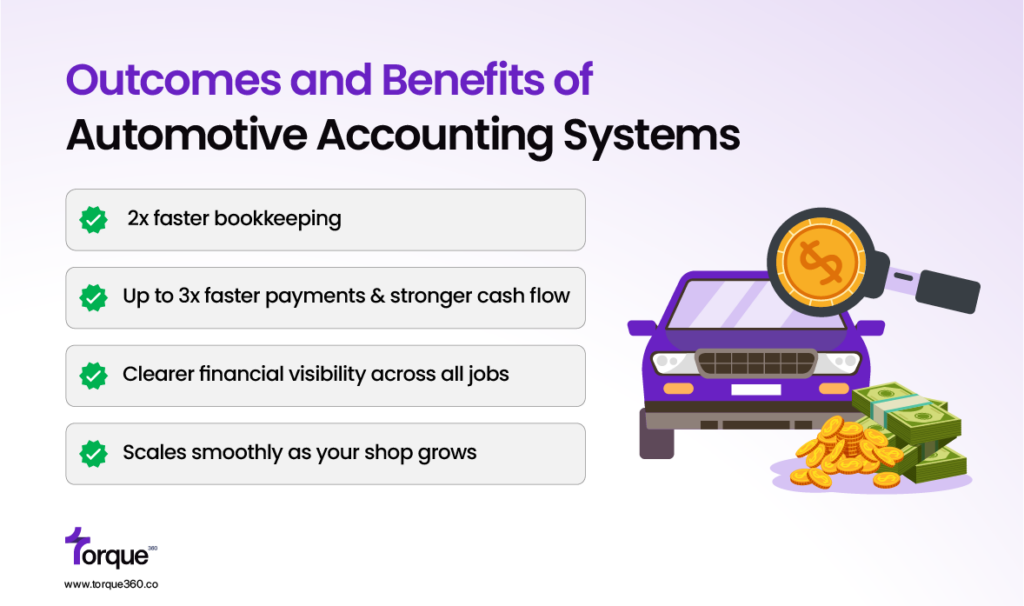
2x faster bookkeeping
Automating invoicing and inventory deductions reduces errors. It lowers the risk of misbilling customers and over-ordering parts. That leads to fewer customer disputes and lower shipping or return costs.
Up to 3x faster payments & stronger cash flow
Automated billing speeds up collections. Clear job costs improve forecasting. This helps maintain healthy cash flow. It also reduces financial uncertainty during busy or slow seasons.
Clearer financial visibility across all jobs
Job-specific reporting shows which repairs have strong margins and which drain resources. That insight helps you decide where to focus your offerings or adjust pricing.
Scales smoothly as your shop grows
As your shop adds bays, technicians, or locations, financial management grows more complex. An auto repair accounting software connects operations directly to accounting. It becomes a valuable asset. You won’t outgrow your financial tools, because the system was built for scale.
Turning Financial Blind Spots Into Actionable Insights
Using generic accounting software for your repair shop means missing meaningful financial insights. Parts, labor, and job profitability don’t translate well into basic bookkeeping systems. This limitation can make it harder to make informed, data-driven decisions.
Auto repair accounting software bridges that gap. It provides clear insight into where your shop is generating revenue or losing money. With this information, you can take action to improve profitability.
Torque360 automotive repair accounting software supports both your shop operations and financial workflows. It integrates with QuickBooks, tracks inventory, and technician time in real time. Also, it provides powerful reporting.
These features help ensure accuracy and efficiency across every part of your business. It helps reduce errors and minimize time spent on repetitive tasks. As a result, you gain a clearer view of your financial health and can make more informed decisions.
Frequently Asked Questions
What is the best accounting software for auto repair shops?
The best accounting software for auto repair shop fits industry workflows. Track parts, labor, invoices, and job profitability. Look for integration, real-time inventory, technician tracking, and tailored reports.
Can I use QuickBooks for an auto repair shop?
QuickBooks manages payroll, invoices, and expenses. But it often overlooks parts, labor hours, and live inventory for repair shops. Many shops pair QuickBooks with a shop management system to bridge this gap.
Why do auto repair shops need specialized automotive accounting systems?
Generic accounting tools often fail to reflect a repair shop’s financial complexity. Specialized auto shop software for accounting and billing links repair orders, parts, labor, and invoices directly to accounting records. This reduces errors and improves visibility into job profitability. It also saves time on manual bookkeeping.
How does inventory tracking affect shop accounting?
Accurate inventory tracking ensures every part used is accounted for. It also ensures costs are recorded correctly. Prevent over-ordering and shrinkage while tracking exact job costs. These insights help shop owners manage pricing and inventory wisely.
What should I look for in auto repair accounting software?
Focus on features like integration with accounting software for mechanic shop. Track parts, inventory, technician time, and use automated billing and reporting. Security, data integrity, and ease of use are important. They ensure reliable, efficient financial management.